Why identifying your memory matters
Two sticks of RAM that look identical can be worth very different amounts. A 64GB DDR4 LRDIMM and a 64GB DDR4 RDIMM are built differently, sell into different systems, and carry different prices on the used market. Before you request a quote — or decide whether a pile of pulled modules is worth shipping — it pays to know exactly what you're holding. The good news: everything you need is printed on the module itself.
Step 1 — Know the three server DIMM types
Almost all enterprise memory falls into one of three types. The difference is how the module buffers the signals between the DRAM chips and the CPU's memory controller.
UDIMM — Unbuffered
No buffering between the chips and the controller. This is standard desktop and workstation memory, plus some entry-level servers. It comes in ECC and non-ECC versions. UDIMMs are generally the lowest capacity per module and, in the used server market, usually the lowest value of the three.
RDIMM — Registered
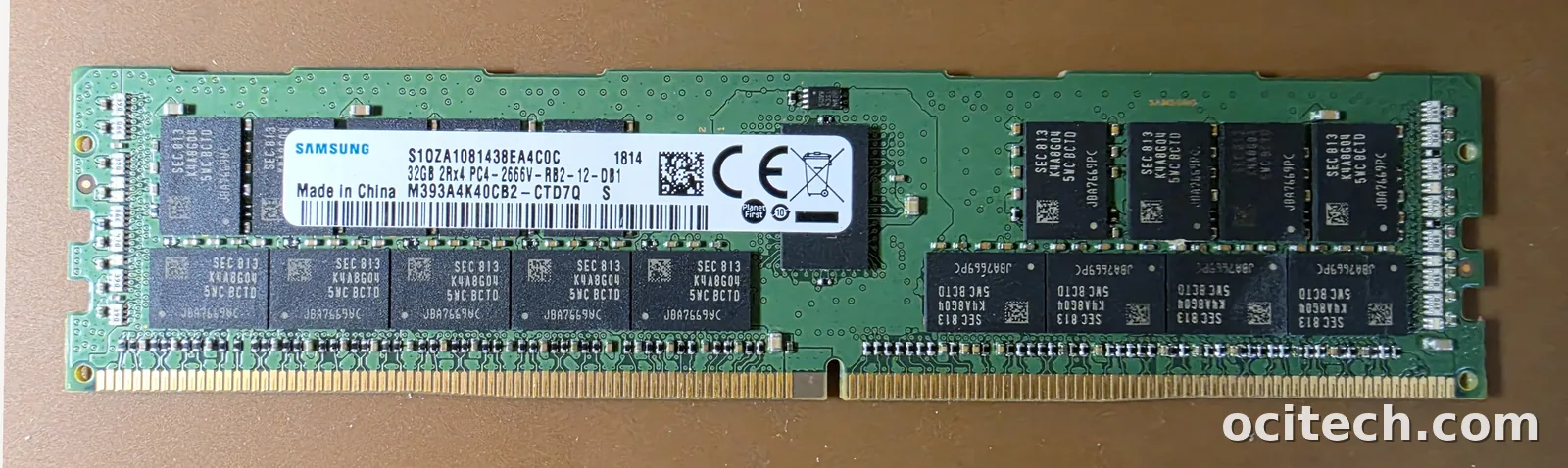
Adds a register that buffers the address and command signals, which lets a server run more modules per channel with stability. This is the workhorse of mainstream rack servers (think Dell PowerEdge, HPE ProLiant, Cisco UCS). RDIMMs are ECC by default and are the most common thing we buy.
LRDIMM — Load-Reduced
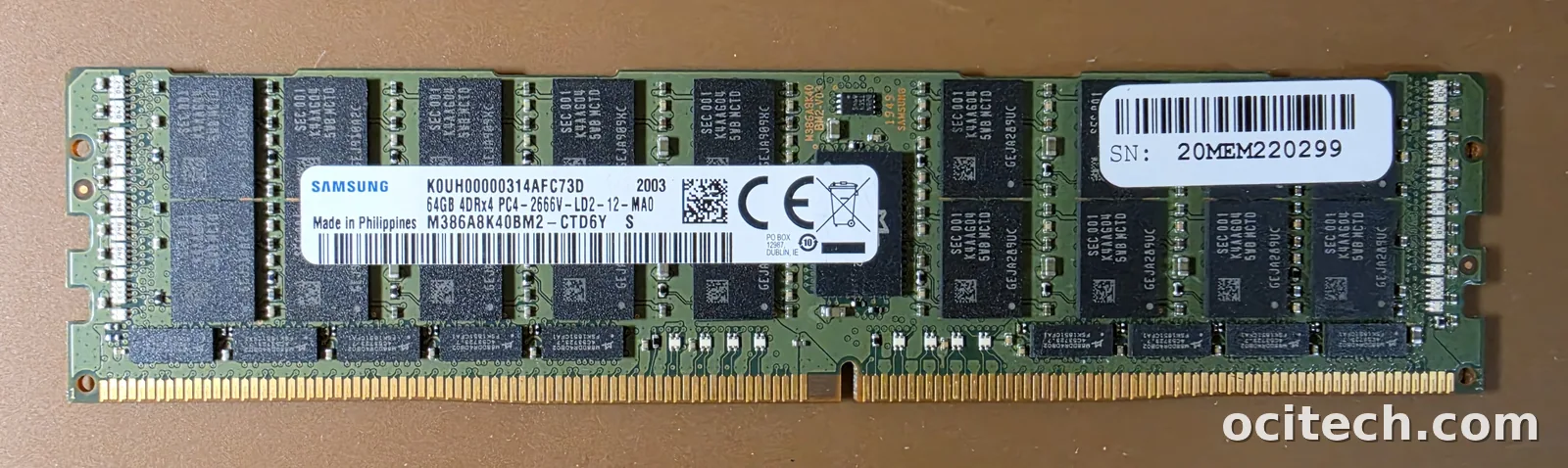
Buffers all the signals — address, command, and data — through an on-module buffer, which reduces electrical load and allows the highest capacities per module (128GB, 256GB and up). LRDIMMs live in high-memory servers and often carry the strongest per-module prices.
Step 2 — Read the module label
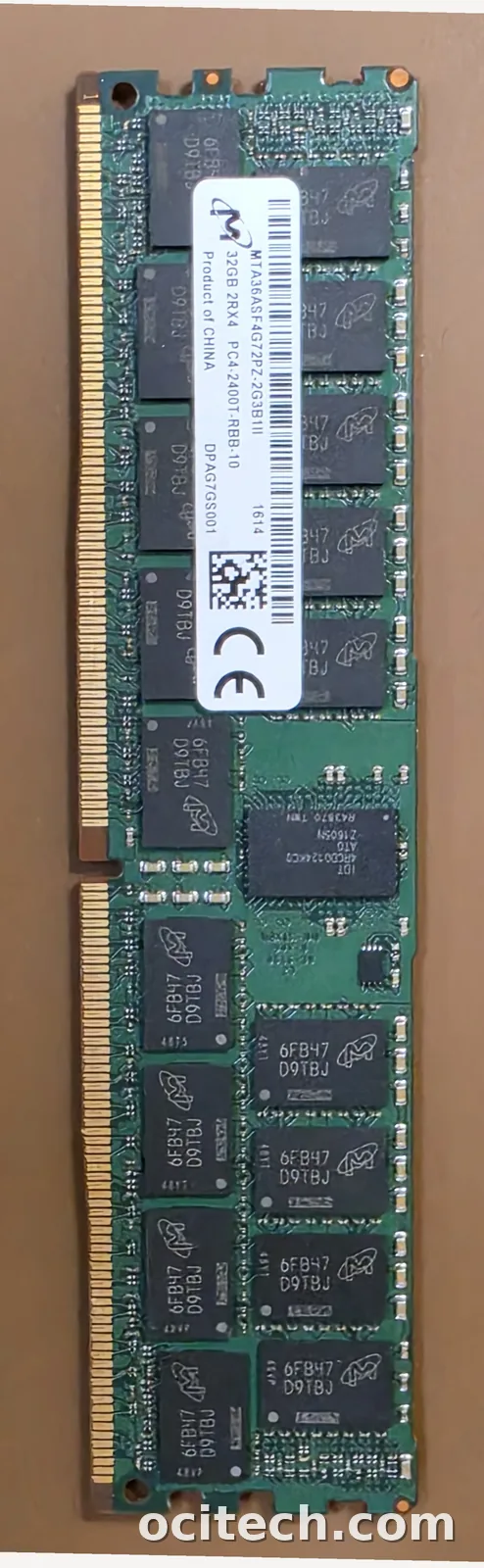
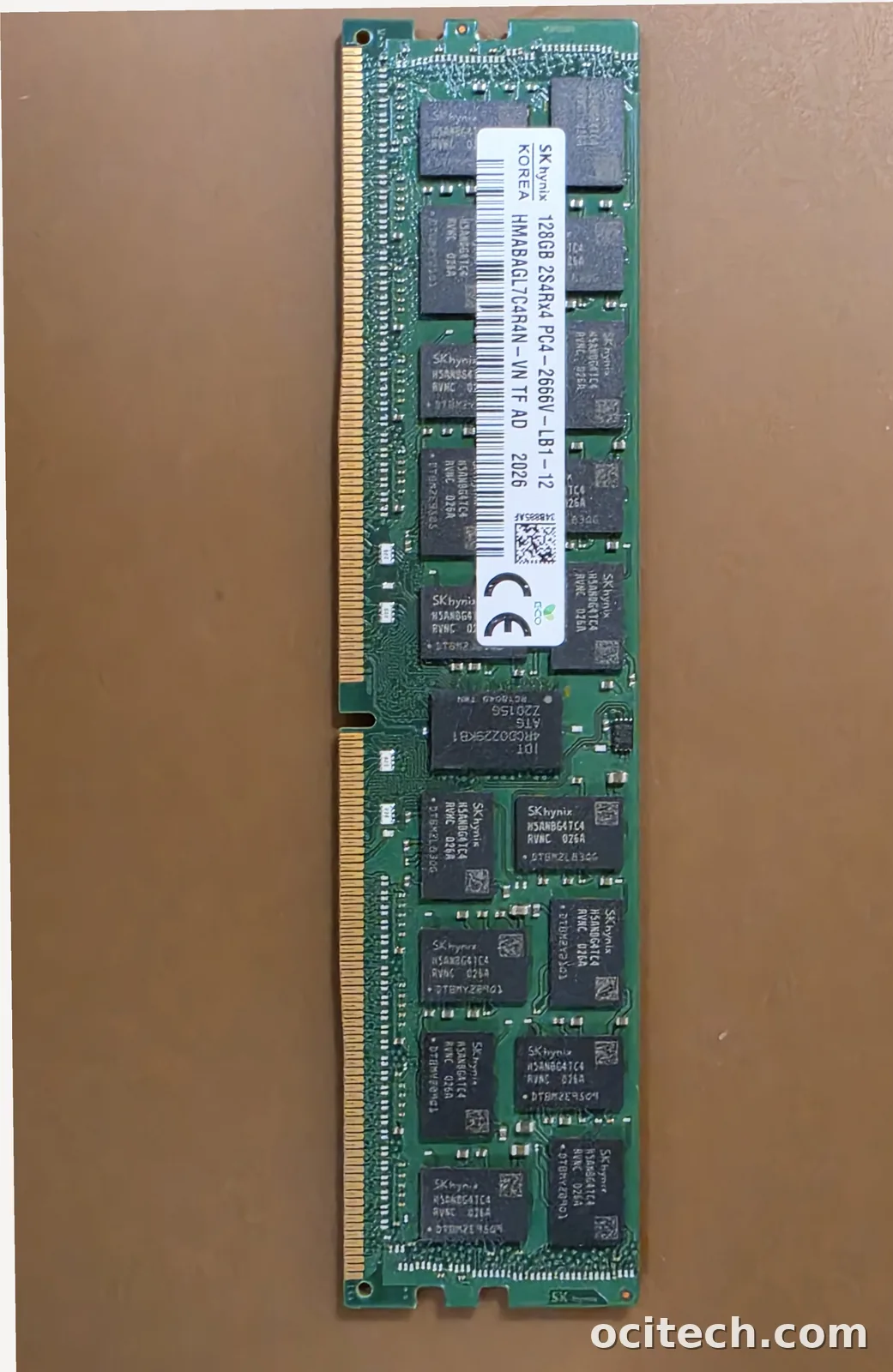
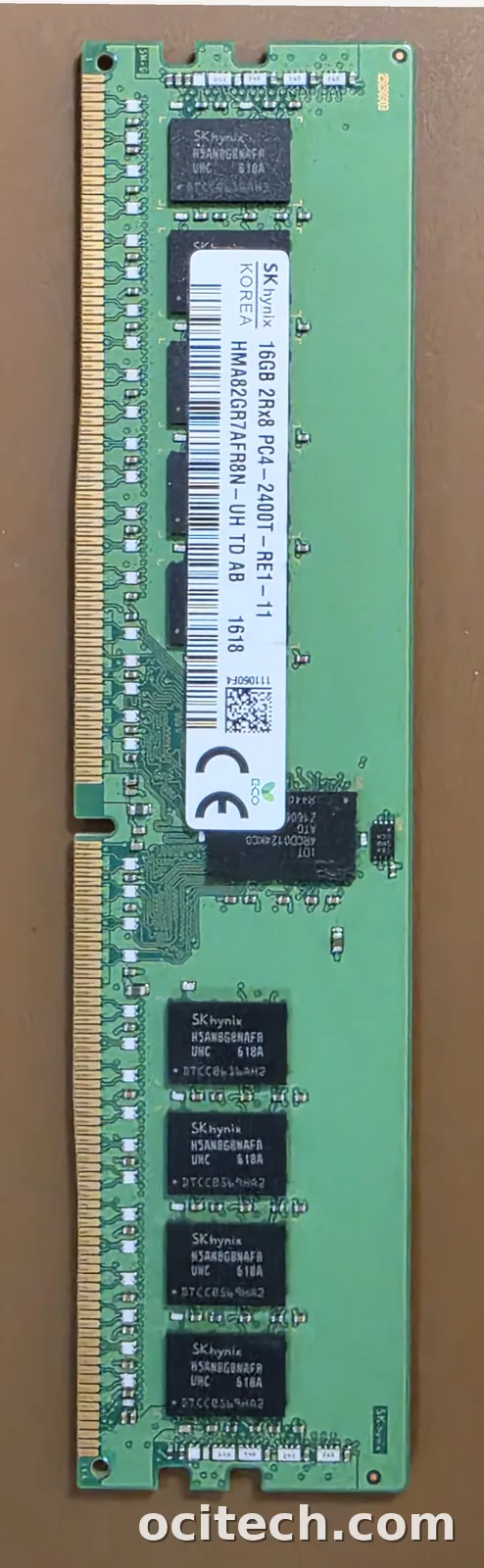
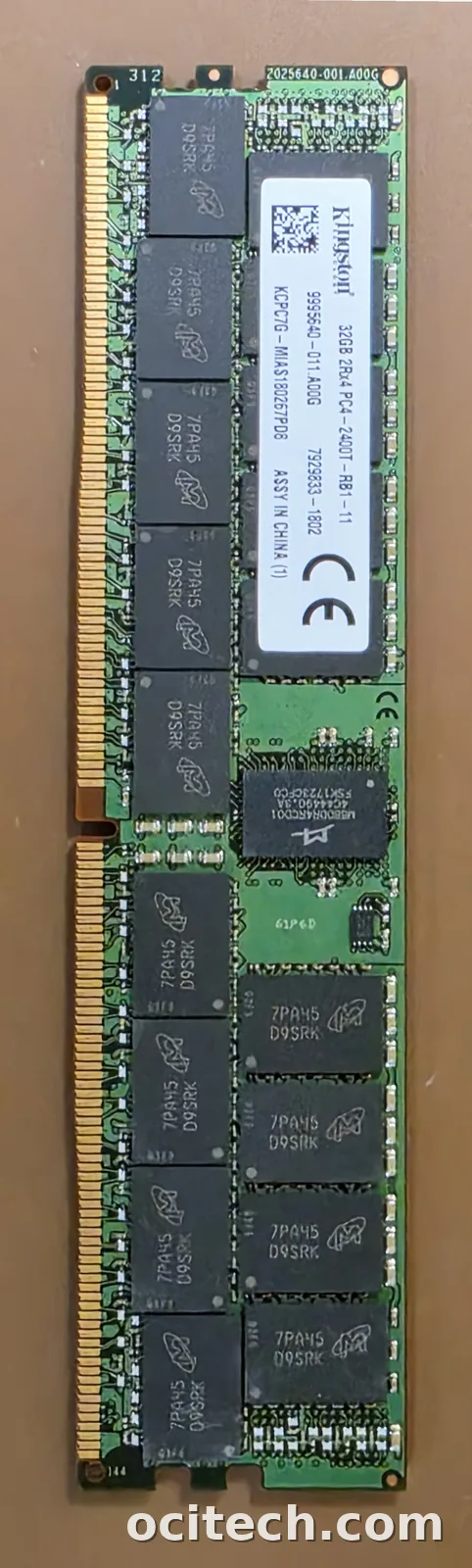
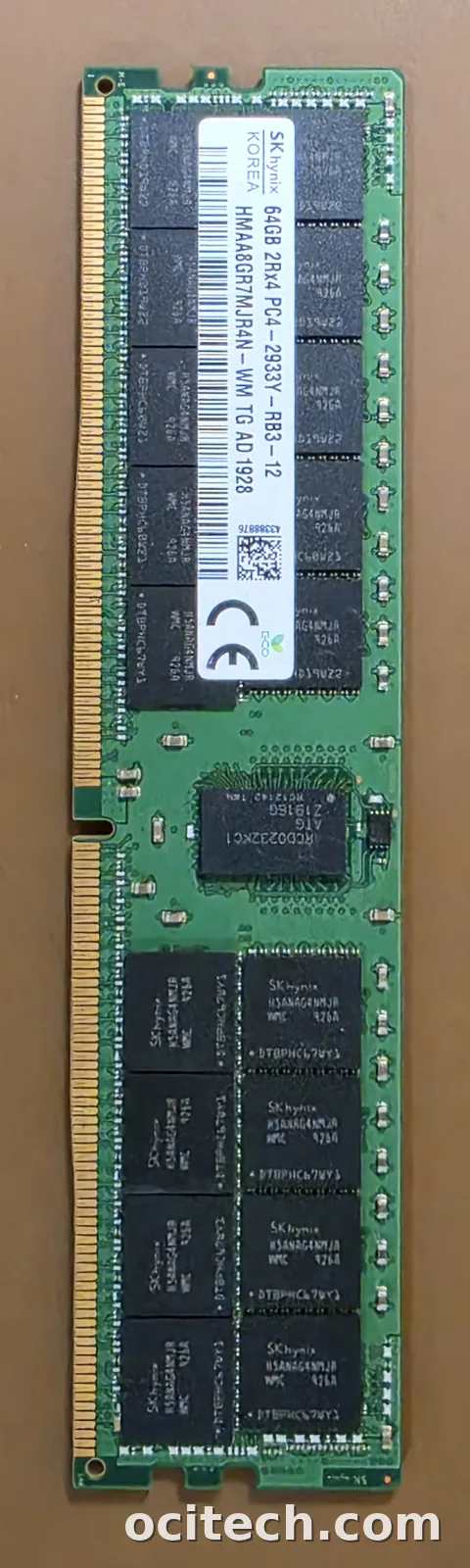
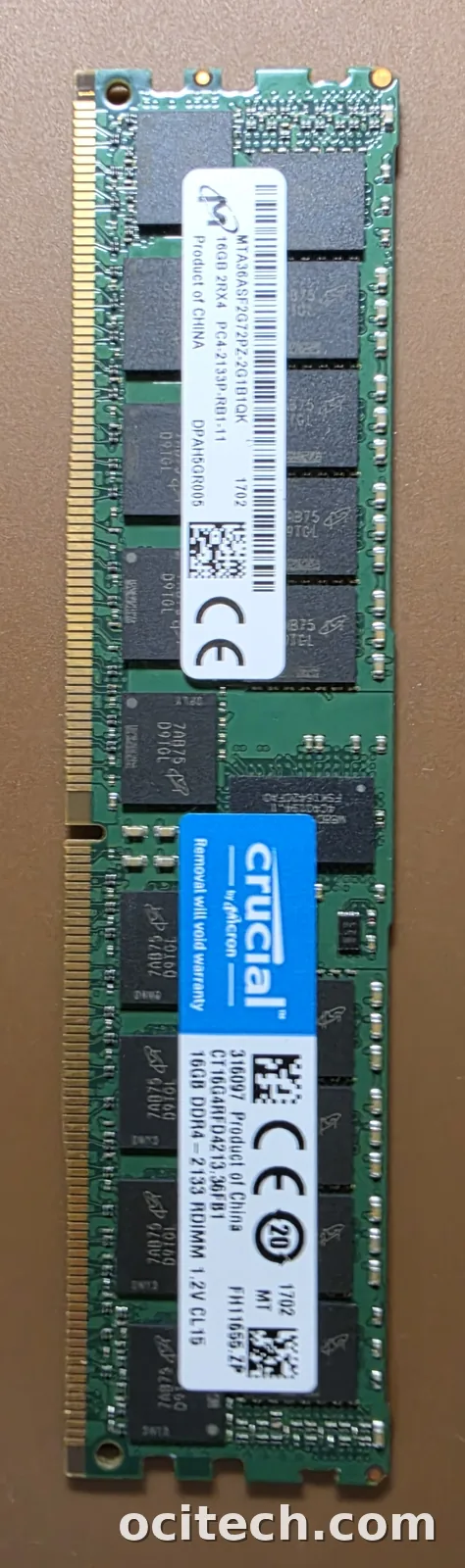
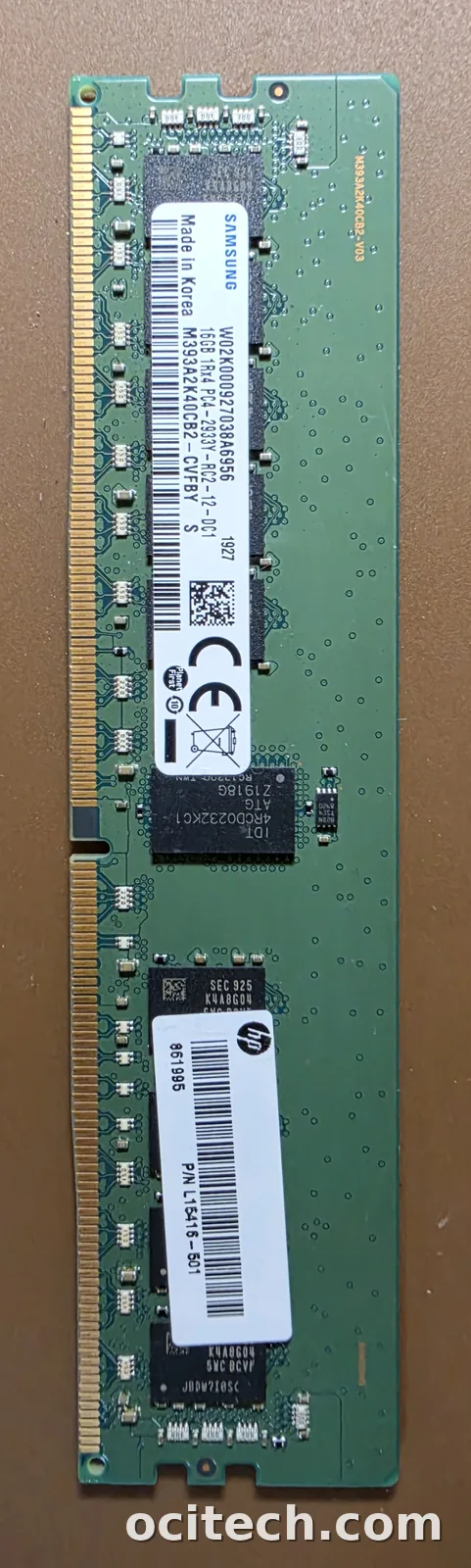
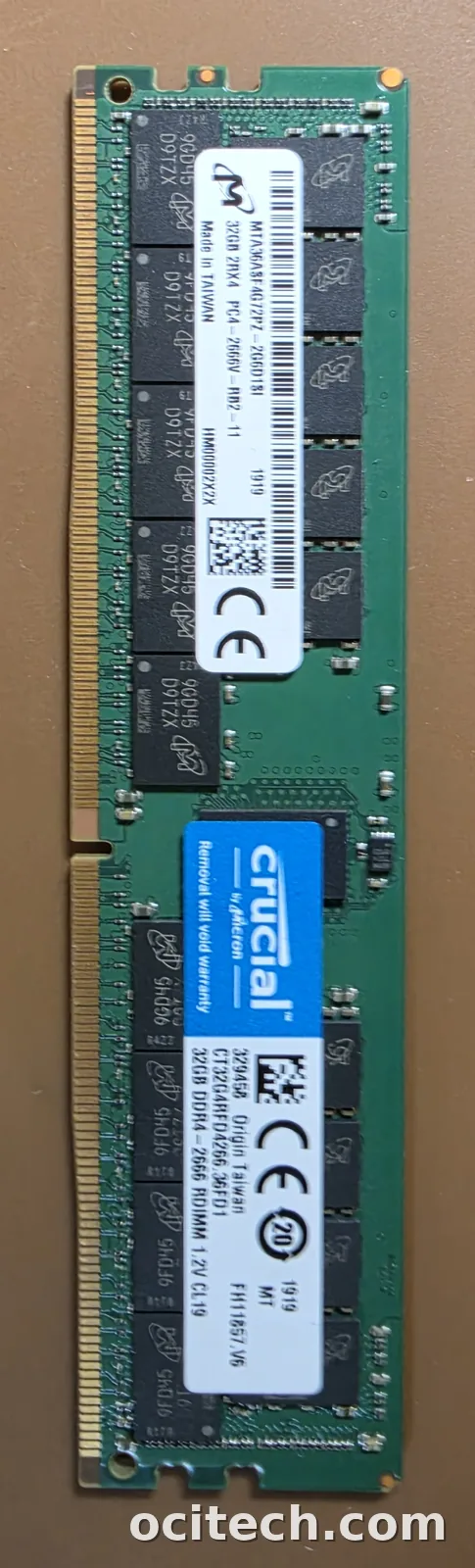
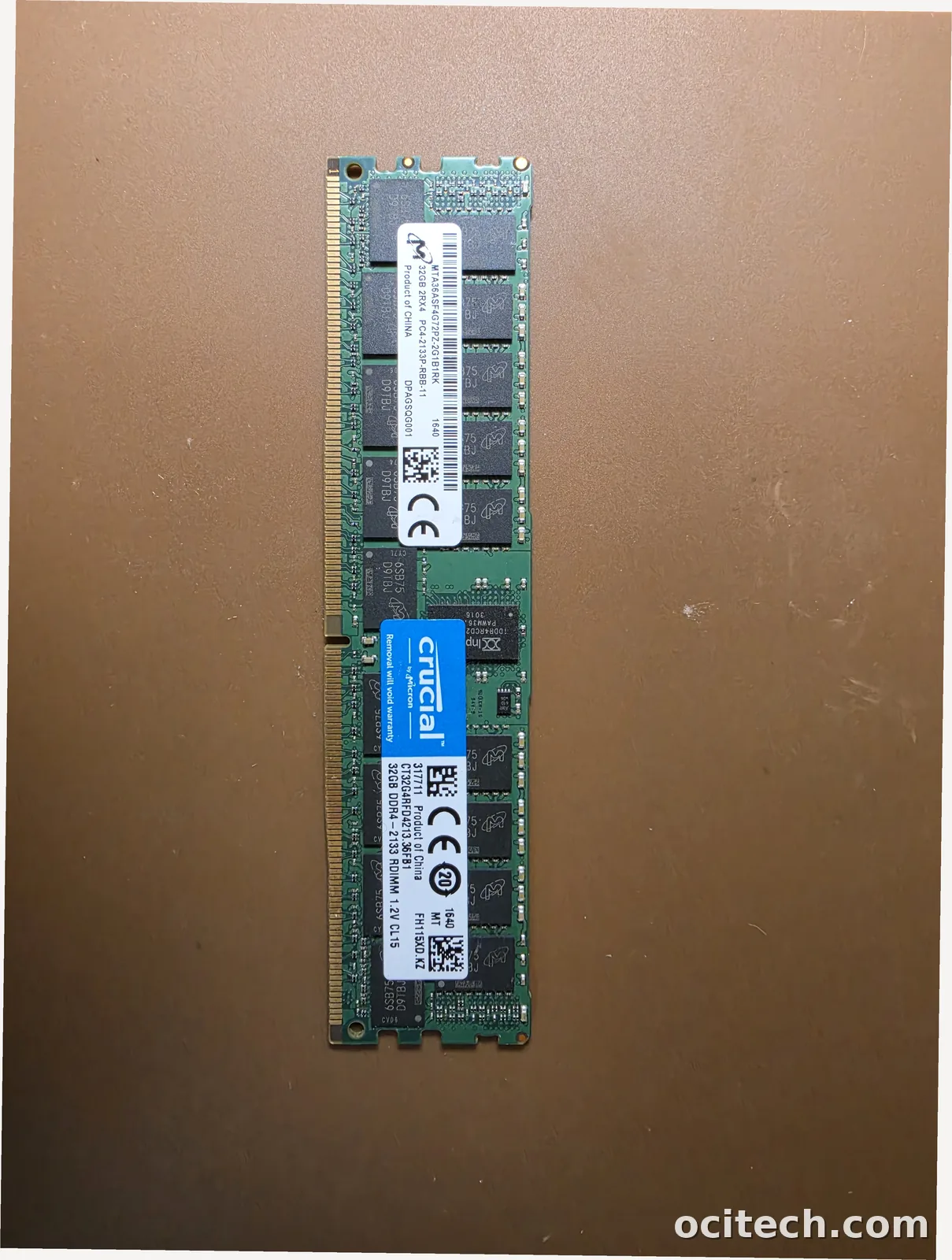
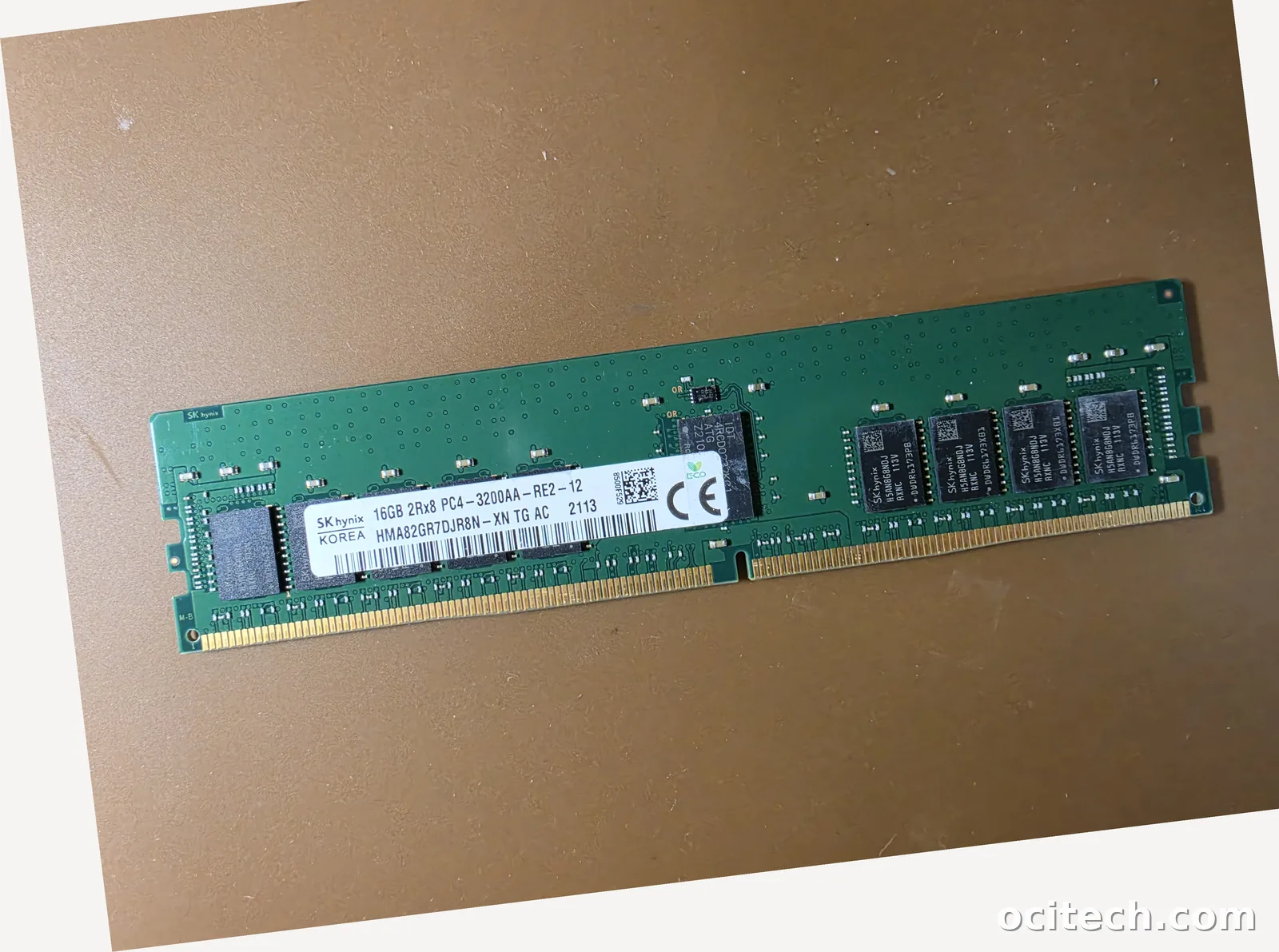
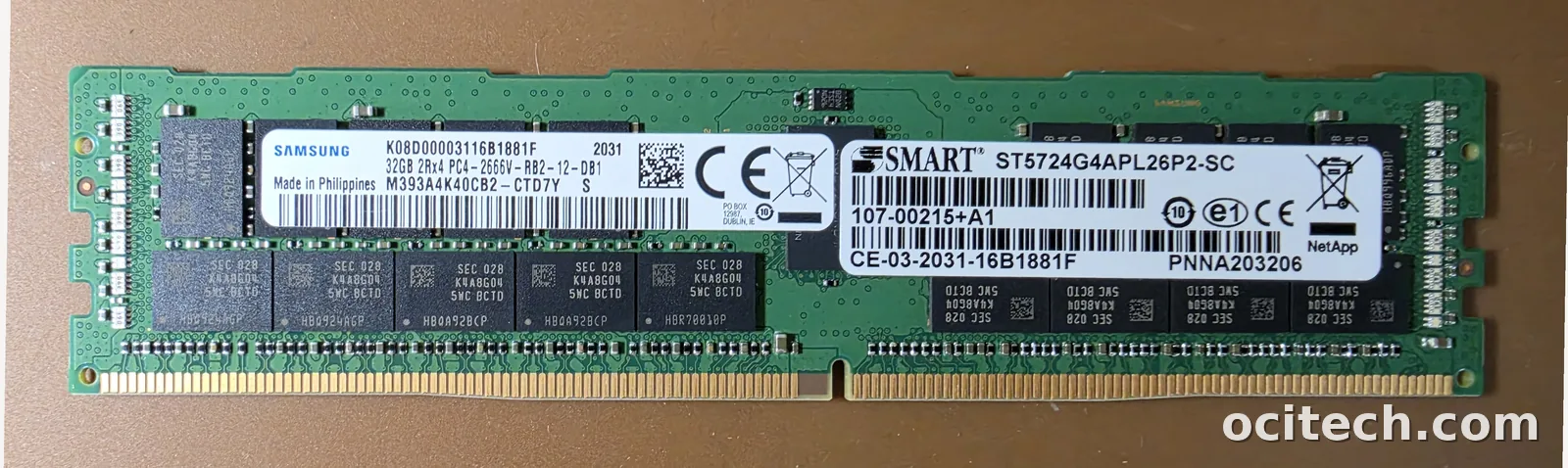
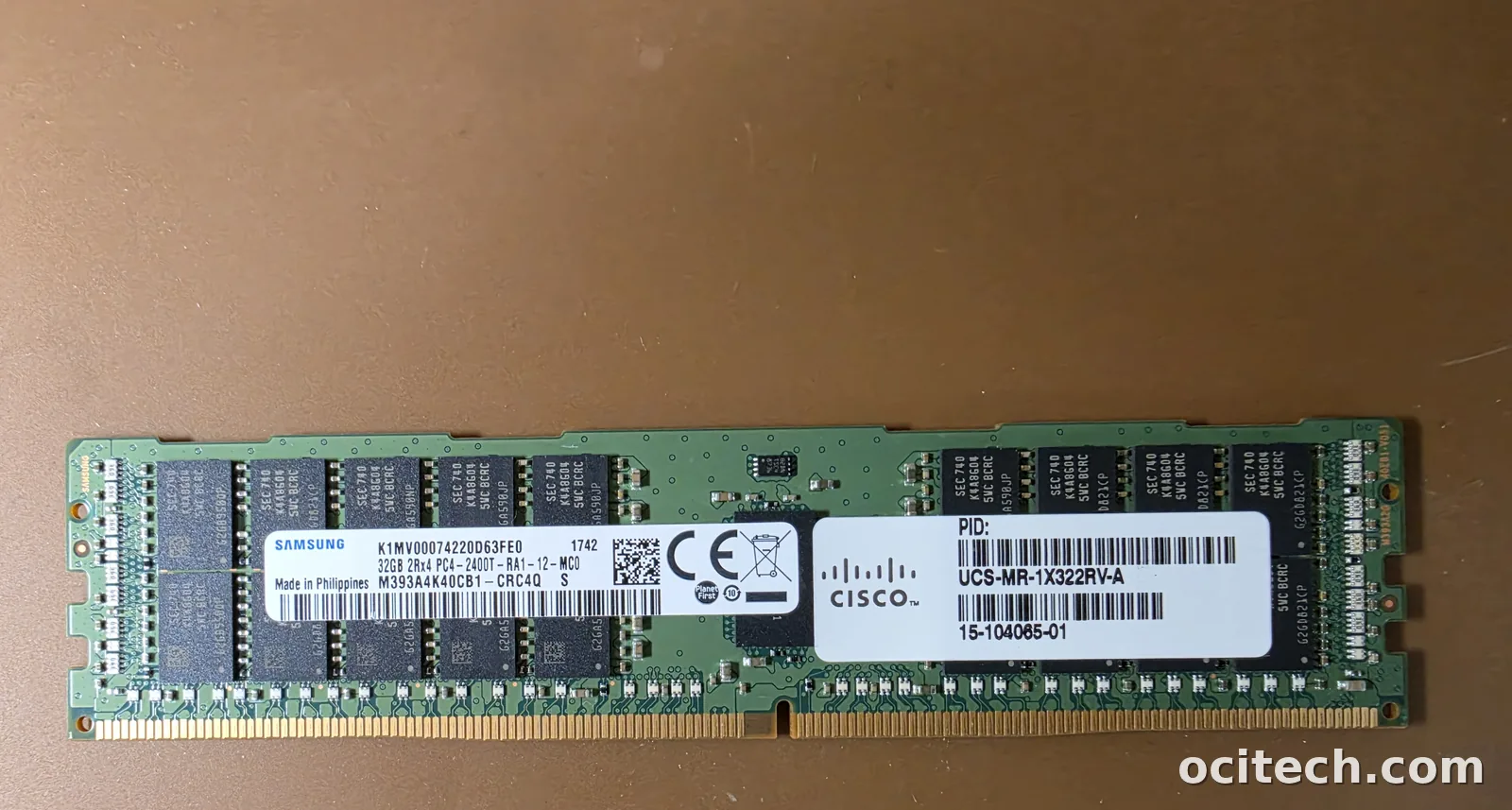
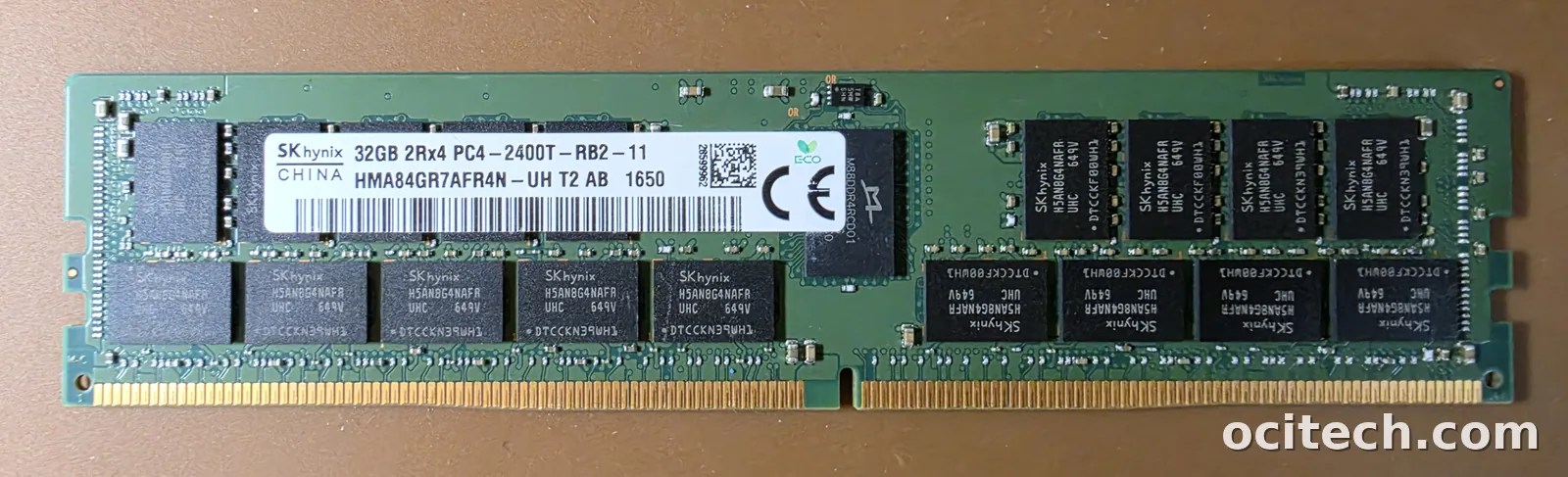
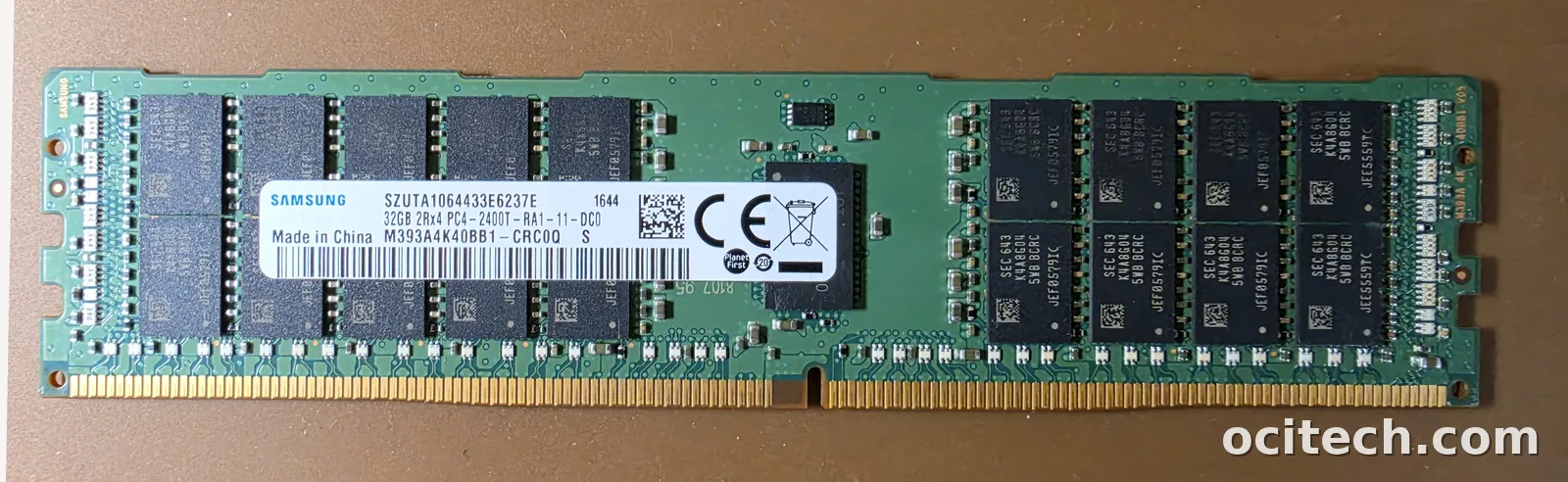
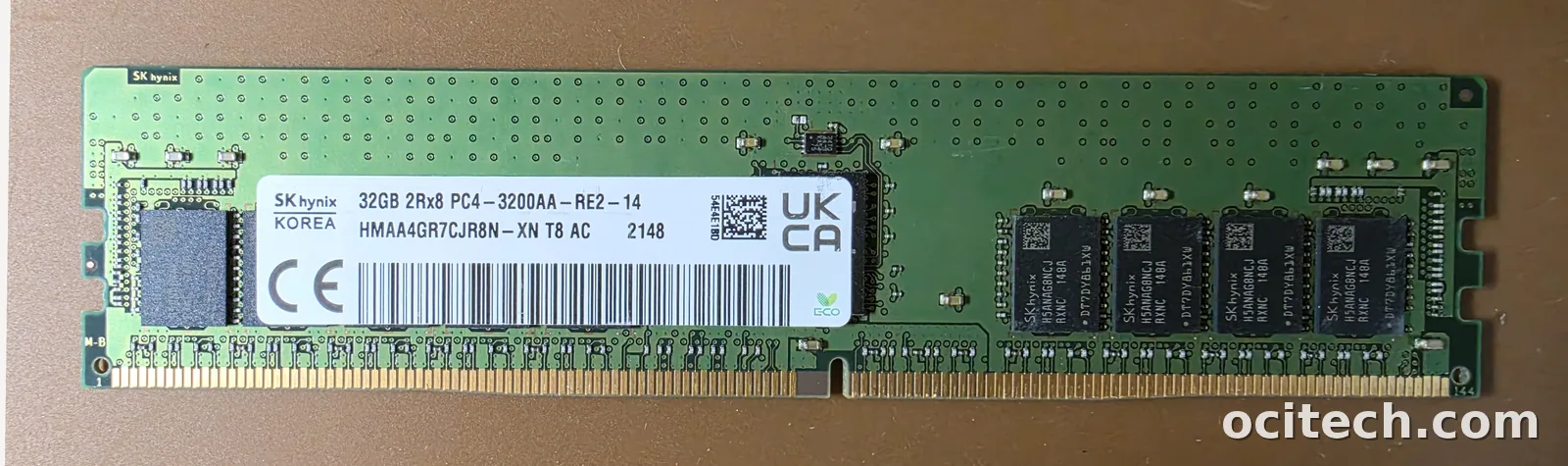
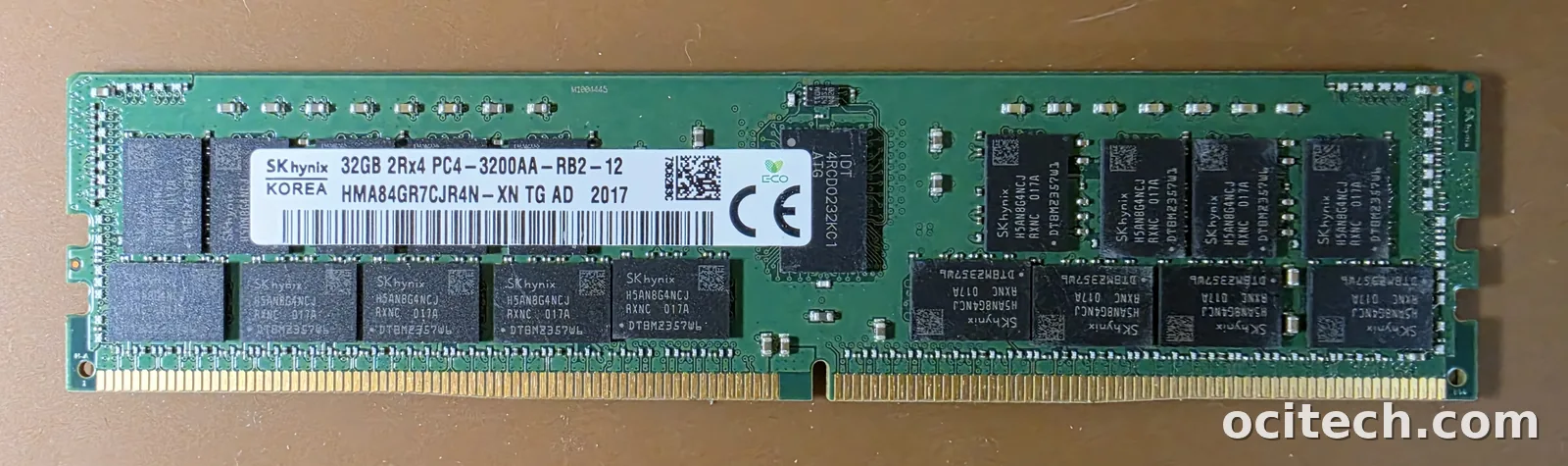
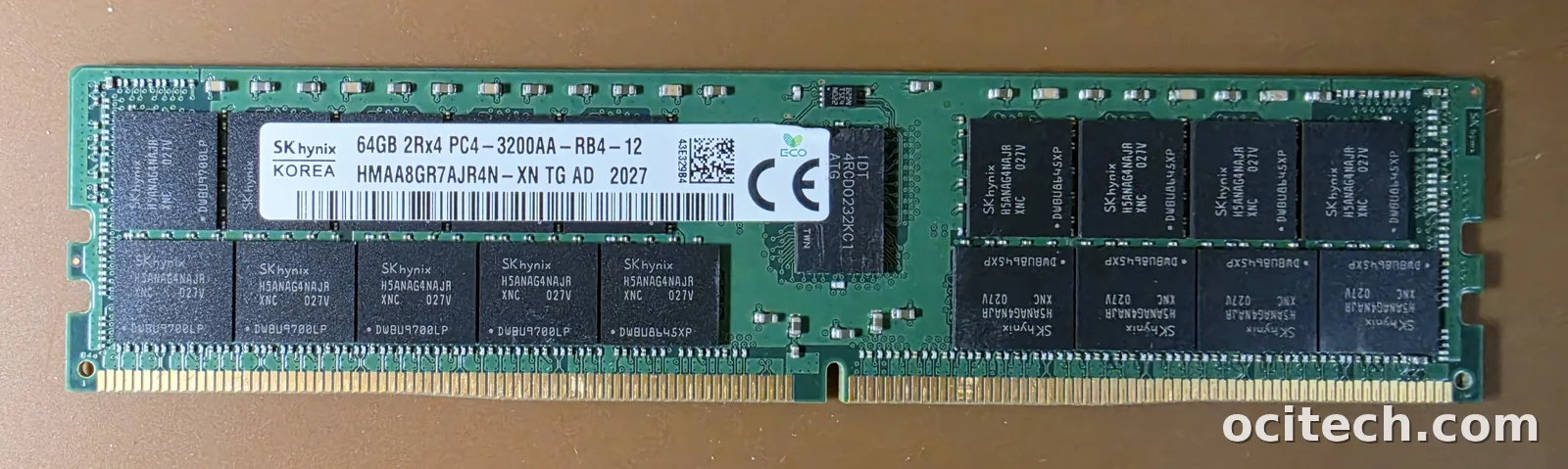
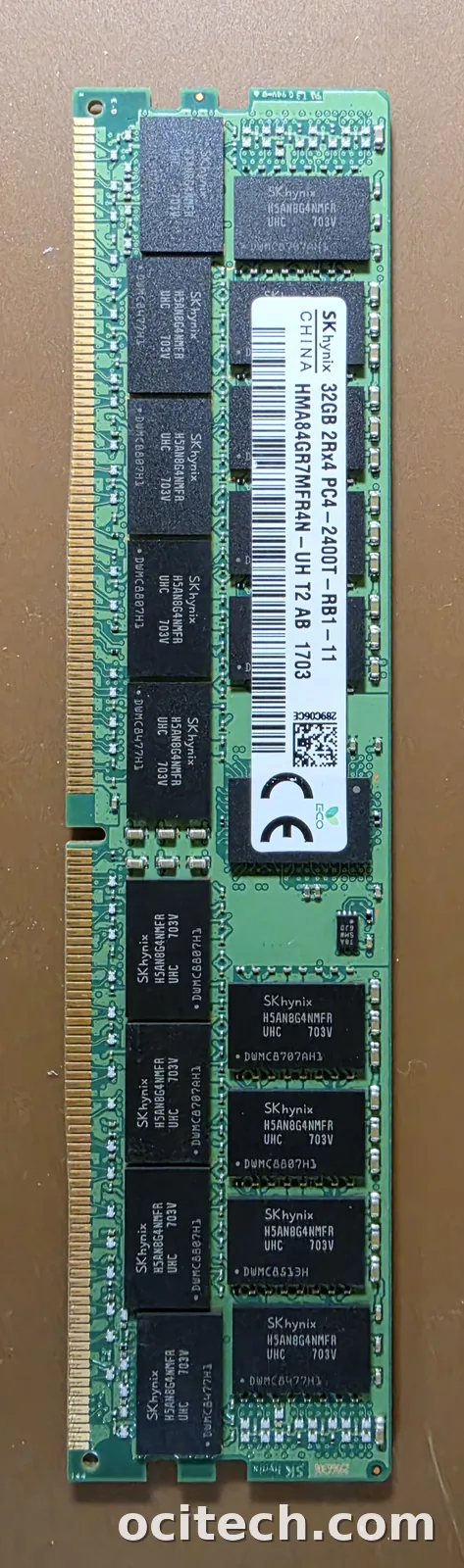
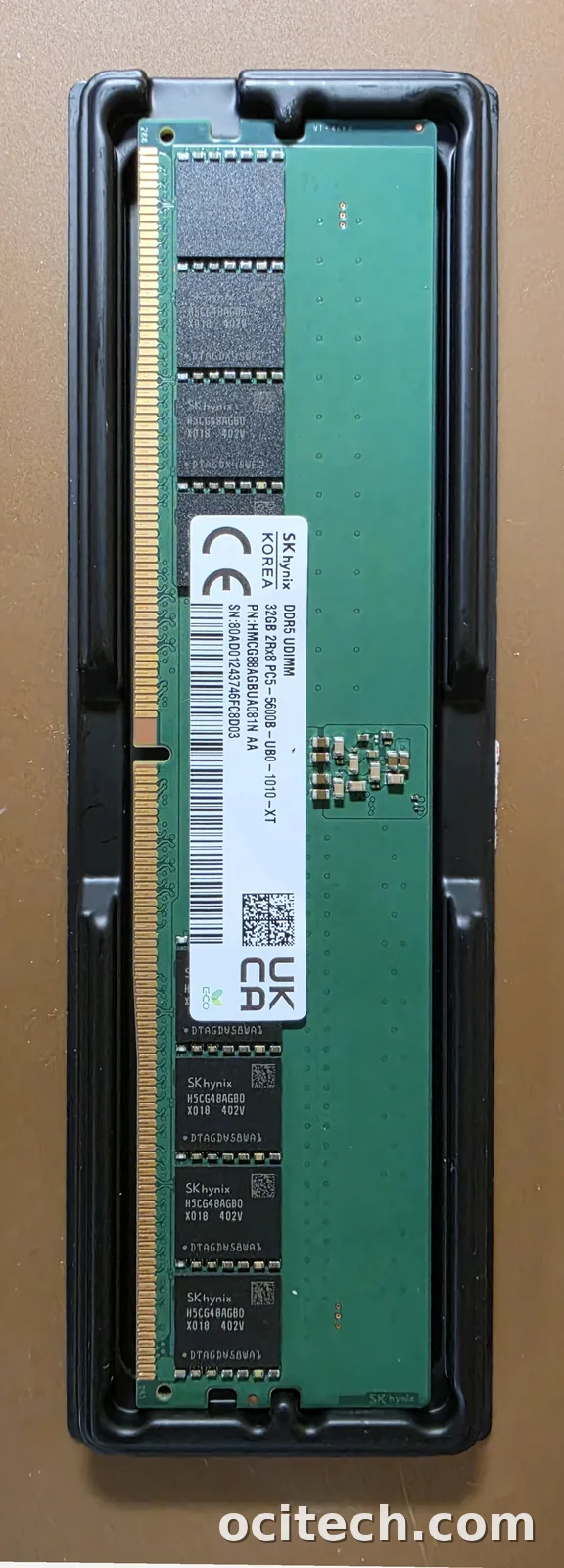
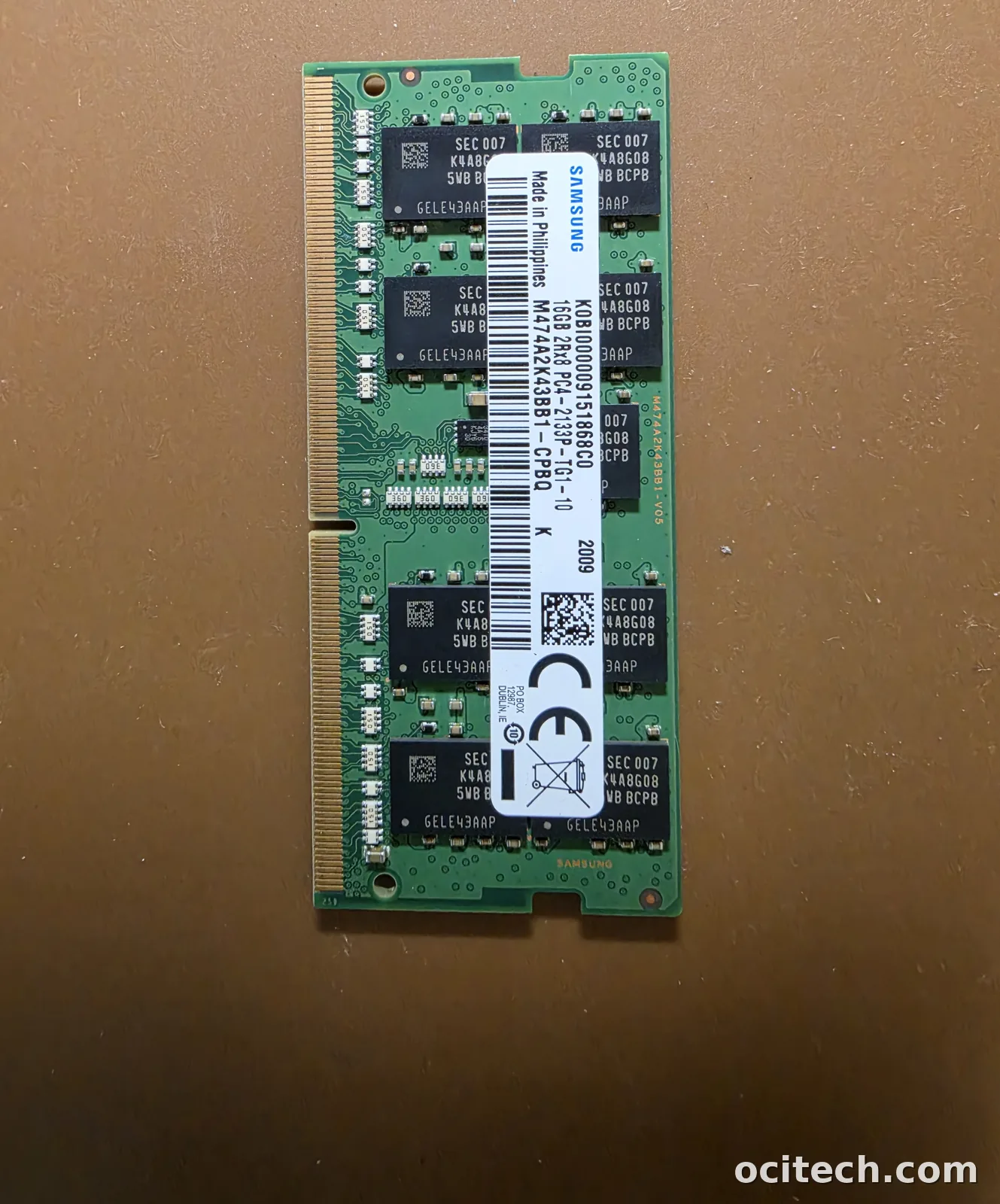
Most modules carry a sticker with everything you need. Here's what each field tells you:
Step 3 — Decode the part number by brand
If you can read one field, make it the part number. The three DRAM makers each use recognizable prefixes, so even the first few characters tell you the generation and type at a glance.
Samsung (starts with M)
SK Hynix (starts with HMA / HMC)
Micron (starts with MTA / MTC)
OEM-branded modules (HPE, Dell, Cisco, Lenovo) carry their own part numbers on the sticker, but the DRAM inside is still made by one of these three. If you have the OEM number, that works too — we cross-reference it.
Step 4 — Tell the generations apart
If the label is missing or unreadable, a few physical and code tells separate the generations:
- DDR3 — older platforms; PC3 speed code; lowest value today.
- DDR4 — the current bulk of the used market; PC4 speed code; notch position differs from DDR3.
- DDR5 — newest; PC5 speed code; an on-module power management IC (PMIC) is visible, and the notch position differs again. Strongest pricing right now.
What your modules are worth
Once you know the type, generation, capacity and part number, you can get an accurate quote. Server RDIMMs and LRDIMMs — especially DDR4 and DDR5 — are where the value is. Here's where to go next: